
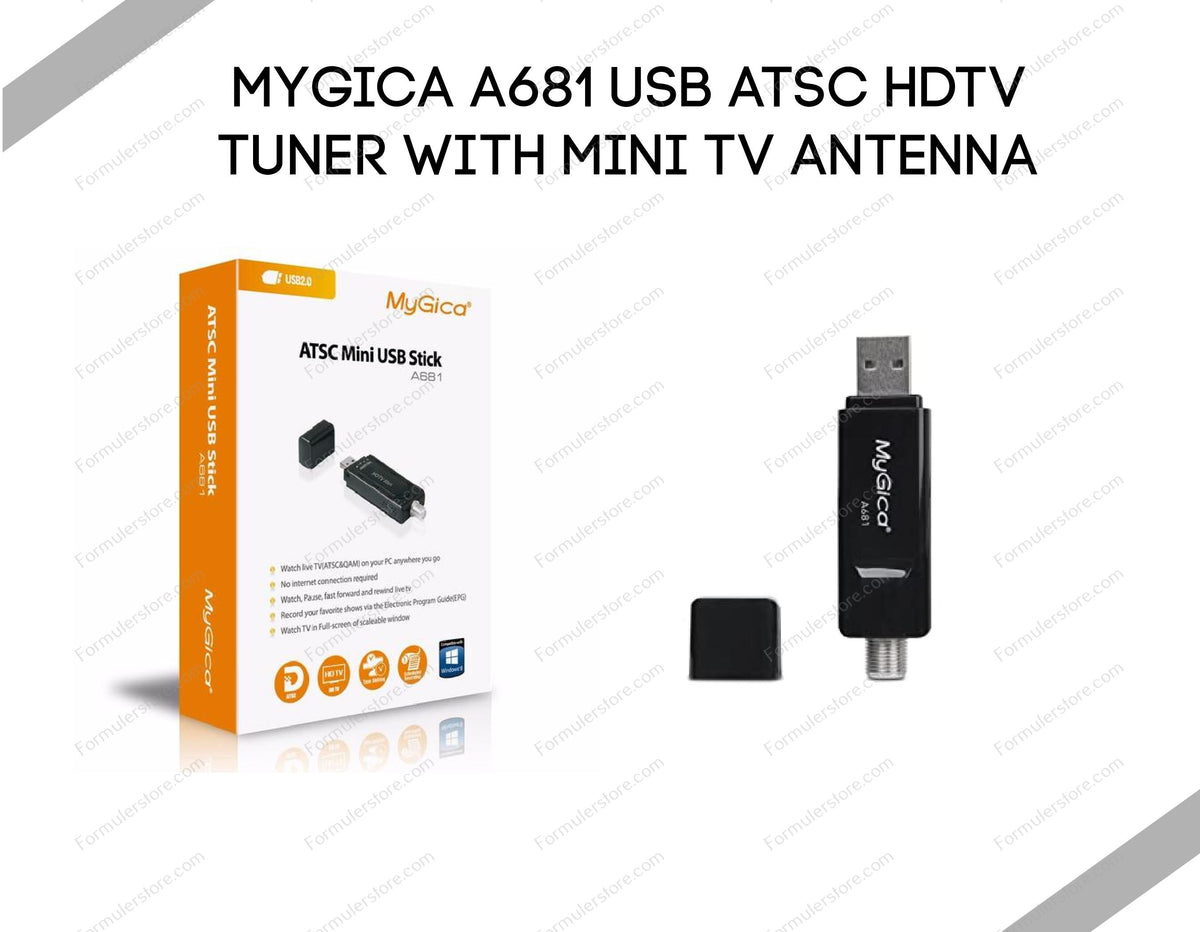
The MyGica A681 USB tuner can be part of a setup for receiving compatible over-the-air television. It is not a standalone streaming box, a network tuner or a paid TV package. This guide from Formulerstore.com explains what to check before installation; it does not report reception tests at specific distances or promise particular channels.
1. Identify the tuner and supported host
Read the model and hardware revision on the unit or packaging. A681 and A681B have separate Windows driver downloads in the manufacturer's driver directory. Choose the matching hardware and operating-system entry. Do not install an unrelated driver merely because a similar product name appears.
Geniatech's A681 page describes ATSC reception, channel scanning and recording through host software. Confirm support for your exact Windows, Linux, macOS or Android configuration before purchase. A USB socket on a television, NAS or receiver is not proof of support. The download directory's separate operating-system sections are not a promise that every listed tuner works on every platform.
2. Check reception before buying extra equipment
Determine which broadcasters provide an over-the-air signal at your location and what antenna bands are needed. Use broadcaster reception information and check the antenna manufacturer's guidance. The number of receivable stations depends on signal, placement and local conditions; a kilometre distance alone does not establish a guaranteed antenna choice.
The included mini antenna is a starting point, not a guarantee of reception throughout Canada. Try accessible indoor positions and orientations before buying extra equipment. Do not automatically add an amplifier or filter in response to every dropout; identify the cause first. For roof or exterior installations, use a qualified installer rather than improvising an unsafe mounting arrangement.
3. Connect the antenna and install the matching software
Follow the tuner and antenna instructions. Align the connector carefully and secure it without forcing or overtightening it; do not use pliers as a routine installation step. Connect the tuner to a suitable host USB port. If it is not detected, check the connection and device status before troubleshooting reception.
Download the correct driver and supported viewing software from the manufacturer. Its directory lists HiDTV for Windows; verify the applicable licence and system requirements for your package. Follow the documented installation order and restart only when instructed. Automatic driver installation on a particular computer is not guaranteed. Do not disable operating-system protections or install random driver bundles to make the tuner appear.
4. Scan for antenna channels and test playback
In compatible software, select the detected tuner and the appropriate ATSC/antenna source for over-the-air reception. Follow the application's region and scan instructions. Keep the antenna in a stable test position, complete the scan and check several received channels for picture and sound. The available labels and programme-guide data depend on the software.
When repositioning an antenna, compare reception and rescan when necessary. Moving it does not automatically invalidate every saved channel. No fixed count of channels, broadcast resolution, sporting event or future programme availability is guaranteed.
5. Configure recording only after live viewing works
Choose a supported recording destination with adequate free space and write permission. Make and replay a short recording before scheduling an important programme. Keep the host and required software available for scheduled recording. Back up a storage device before any formatting, because formatting erases its contents.
The manufacturer describes recording and scheduled-recording functions with compatible software. This is not a guarantee that every third-party DVR works with the tuner. Confirm the exact tuner revision, driver, server operating system and current support with the software vendor before paying for a licence.
Plex, Channels DVR and streaming receivers
Do not treat the A681 as universally plug-and-play with Plex, Channels DVR or every NAS. Channels' DVR Server requirements, for example, recommend an HDHomeRun network tuner; a USB A681 is a different product. Verify a documented integration for your exact setup rather than assuming support from a client application's availability.
A streaming receiver playing video from a server is a client. Installing an app on a Formuler does not automatically move the server's tuner driver or transcoding workload onto that receiver. Establish working reception on the supported host first, then confirm any intended network playback separately.
Troubleshooting in the right order
| Symptom | First checks |
|---|---|
| Tuner not detected | Exact model, matching driver, supported operating system and direct USB connection. Record the displayed device error. |
| Detected but no channels | Correct antenna input and scan mode, cable connection, local broadcast availability and antenna placement. |
| Dropouts or pixelation | Compare another channel and antenna position. Check cables and software status before assuming amplification is needed. |
| Recording or sound problem | Test live viewing first, then storage permissions, free space, host workload and the DVR application's support guidance. |
Ordering and support
Check the current A681 listing for the exact package, USD price, availability and warranty. Do not assume a receiver's warranty automatically covers a tuner on identical terms. Free-to-air reception does not require a monthly TV fee, but hardware and optional DVR software can have costs; no payback period is promised.
Free standard shipping to Canada and the USA applies to order subtotals over US$99 after discounts and before taxes. Orders of US$99 or less and optional express services use checkout rates; applicable taxes are separate. Read the Shipping Policy and return terms. Contact 613-400-4588 or our Ottawa team with the model, host system and error, without account passwords.